In SAP S/4HANA, the paradigm of data management and application development has shifted significantly. Understanding the difference between SAP Tables (the persistence layer) and SAP Core Data Services (CDS) Views (the virtual consumption layer) is essential to mastering the modern S/4HANA architecture.
Here is a detailed comparison of the two, covering their architectural intent, mechanics, and practical application.
1. High-Level Concept: The Paradigm Shift
The fundamental difference lies in how data is handled. S/4HANA moves away from the traditional “Data-to-Code” model (fetching heavy raw datasets from tables into the application server to process them) and embraces the “Code-Pushdown” (or Code-to-Data) model using CDS views.
- SAP Tables: Represent the physical storage. They are highly normalized in S/4HANA (such as
ACDOCAfor Finance orMATDOCfor Inventory Management) to handle ultra-fast ACID transactional inputs (OLTP). - SAP CDS Views: Represent a Virtual Data Model (VDM). They build a semantic, reusable layer directly on top of database tables without replicating the data. They perform heavy aggregations, calculations, and joins at the database layer (HANA memory) and send only the light, final result set to the application server.
2. Core Technical Differences
| Feature / Criteria | SAP Tables | SAP CDS Views |
| Data Storage | Physical Persistence. Holds the actual data on disk/in-memory. | Virtual Representation. Does not store data. Executes a query in real time when called. |
| Primary Focus | OLTP (Online Transaction Processing). Optimised for writing, updating, and storing transactions. | OLAP & Hybrid (Online Analytical Processing). Optimised for rich data modeling, extraction, and real-time reporting. |
| Development Tool | ABAP Dictionary (SE11) via SAP GUI. | ABAP Development Tools (ADT) in Eclipse or Fiori-based graphical tools. |
| Capabilities | Basic fields, data elements, and primary keys. No built-in calculations or metadata rich semantics. | Rich SQL features (built-in functions, conversions, expressions), associations, and semantic annotations. |
| Extensibility | Append structures or Custom Fields and Logic Fiori apps. | Can be easily extended using EXTEND VIEW without modifying the core standard CDS entity. |
| Upgrades & Stability | Subject to change or replacement across versions (e.g., how BSEG/MKPF fields changed roles with ACDOCA/MATDOC). | Standard SAP Released CDS Views act as stable APIs. Under-the-hood table structures can change during upgrades, but the CDS view remains consistent. |
3. Structural Capabilities & Built-in Features
Associations vs. Standard Joins
In SAP Tables, establishing a relationship requires writing explicit SQL INNER/LEFT OUTER JOIN commands in your ABAP code. These joins are executed immediately, regardless of whether you need fields from all the joined tables.
CDS Views introduce Associations. An association is a “join-on-demand.” It defines the relationship path between entities (e.g., from a Sales Order item to Material master data), but the database only executes the join if the target data is actually requested by the specific select statement or Fiori application. This vastly optimizes runtime performance.
The Power of Annotations (@)
While tables only describe data types and lengths, CDS views use Annotations to inject rich metadata. Annotations tell the wider SAP ecosystem how to interpret the view:
@OData.publish: true– Automatically turns the CDS view into an OData service for Fiori apps.@Analytics.query: true– Exposes the view to analytical engines (SAP Analytics Cloud, Analysis for Office) as a multidimensional cube.@UI.lineItem– Defines exactly where and how a field should appear visually on a Fiori screen without writing single lines of JavaScript.
4. Operational Best Practices in S/4HANA
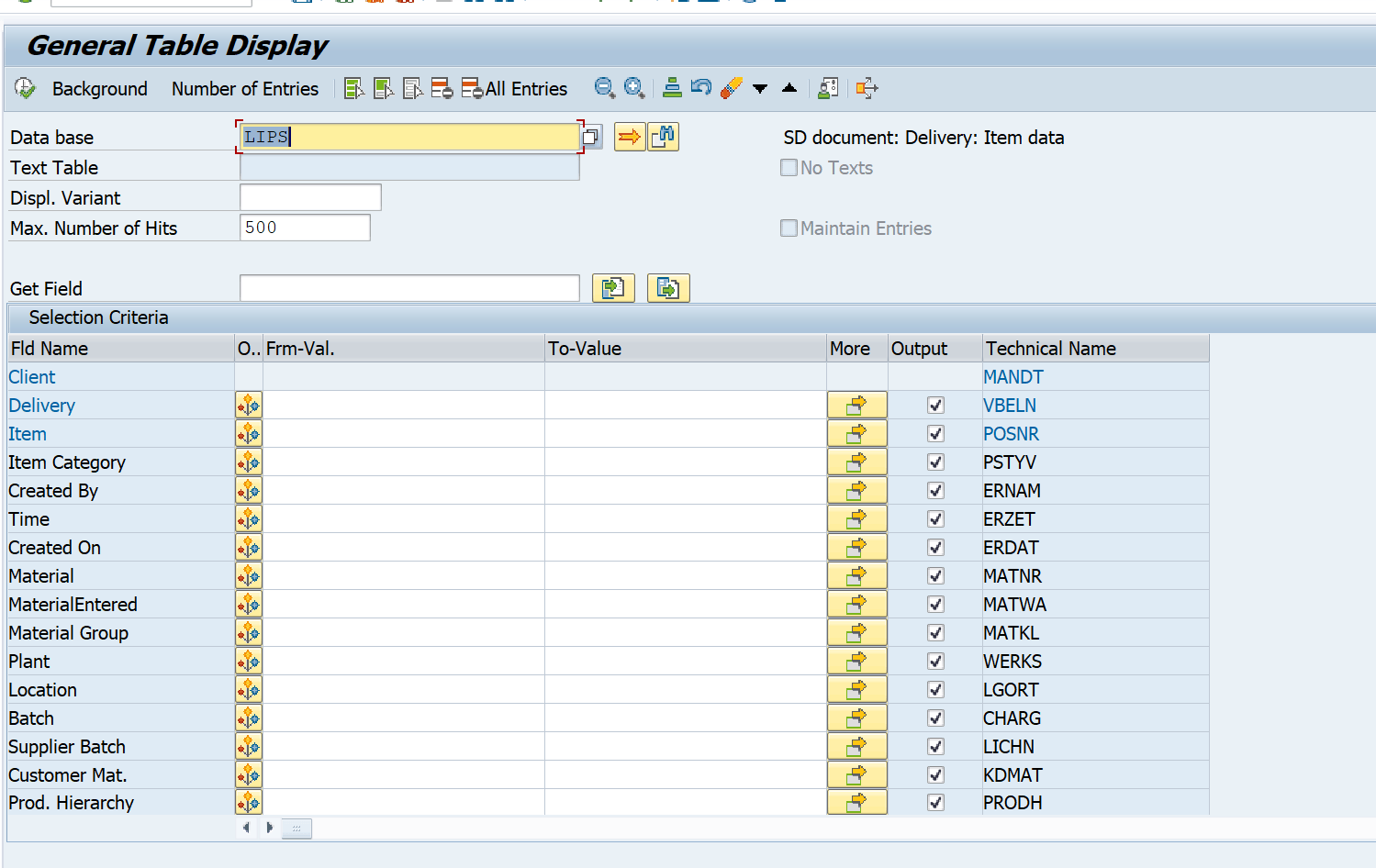
When to read from a Table directly?
- Writing high-speed transactional logic where you are manipulating specific rows via primary keys (e.g., standard custom table inserts/updates or locking mechanisms).
- When performing single-record selects within isolated business logic where no calculation, join, or transformation is required.
When to use a CDS View?
- Building Fiori Apps: CDS views act as the direct data provider for modern SAP UI5/Fiori applications.
- Embedded Analytics: Creating operational, real-time reports (e.g., live stock tracking, margin analysis) without spinning up an external BW data warehouse.
- Complex Data Access: Anytime a requirement involves joining multiple tables, executing currency or unit conversions, or applying strict authorization checks (via Data Control Language / DCL linked to the CDS).
- Clean Core Architecture: Reading standard SAP data via released, stable CDS views (like
I_BusinessPartnerinstead of pulling directly fromBUT000) protects your custom developments from breaking during automated upgrades.

As SAP S/4 HANA has its own data base, the performance will be exceptional with CDS views. I will add more details to this blog as per my continuous learning.
Thanks, and Best Regards,
Ganesh
Discover more from GANESH SAP SCM
Subscribe to get the latest posts sent to your email.